Last Updated - February 8, 2026 10:15 am IST | Dhiraj Singh
Let’s be honest—few things are more frustrating than seeing your phone battery drop from 80% to 30% in what feels like half an hour. You barely used it, didn’t even watch a full video, and yet your phone is already begging for a charger. Sound familiar?
You’re not alone. Fast phone battery drain is one of the most common smartphone complaints today, whether you’re using Android or iPhone. And the worst part? Most people assume it’s either “normal” or that their phone battery is already dying—when in reality, the real reasons are often fixable.
In this guide, I’ll break down why your phone battery drains fast and, more importantly, how to fix it using proven, practical tips. No heavy tech jargon. No unrealistic advice. Just clear explanations, relatable examples, and solutions you can actually use.
Think of this as a friendly tech-savvy friend walking you through what’s going wrong—and how to fix it.
Table of Contents
Why Phone Battery Drain Happens So Fast (The Big Picture)
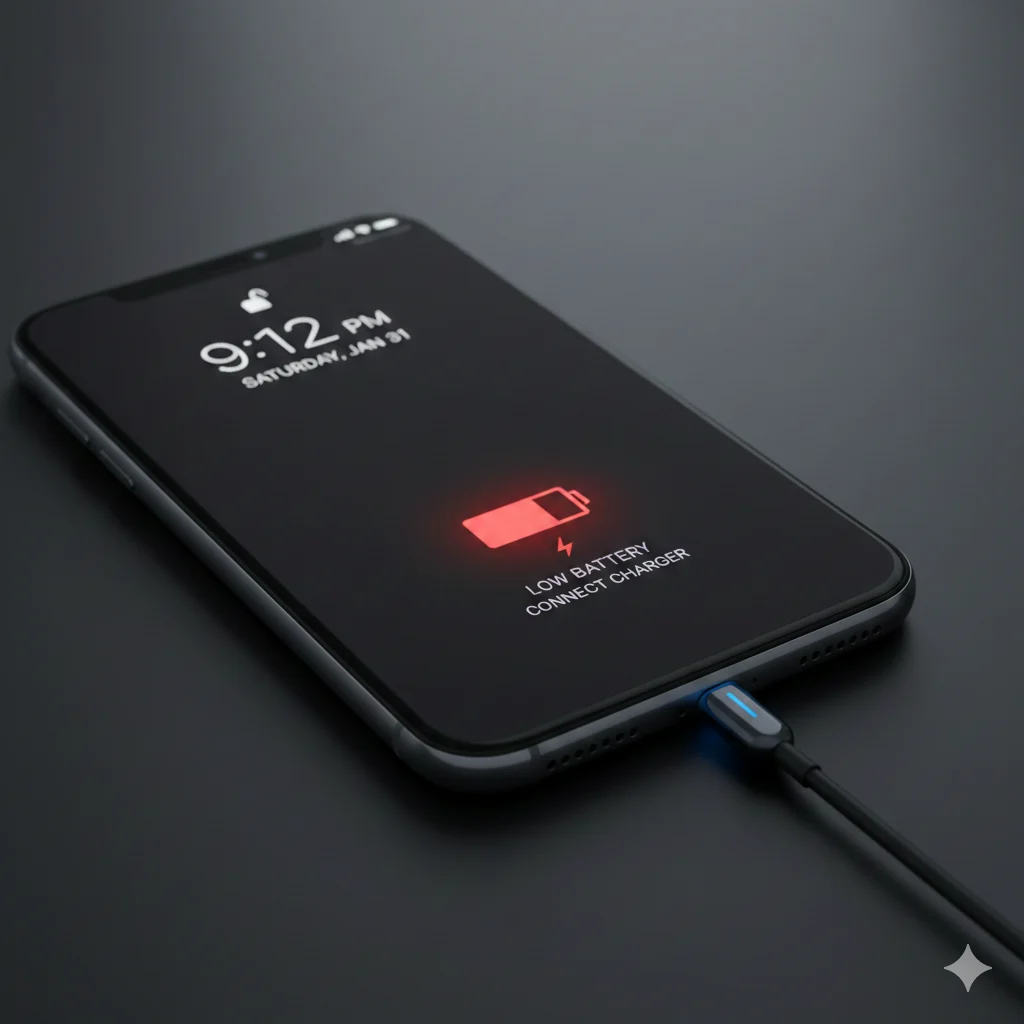
Before jumping into fixes, it’s important to understand one thing:
👉 Your phone battery doesn’t just drain—it gets drained.
Every app, setting, notification, and background process is like a tiny tap pulling power from the same water tank. Some taps are obvious (gaming, video streaming), while others quietly leak battery in the background.
Let’s look at the biggest culprits.
1. Screen Brightness: The Silent Battery Killer
Your phone’s display is the single biggest battery consumer.
Keeping brightness at 100% all the time is like driving a car in first gear at full throttle—unnecessary and inefficient.
Why it drains fast:
- Bright screens consume massive power
- High refresh rates (90Hz/120Hz) use more battery
- Outdoor brightness boosts push displays to max power
Proven Fix:
- Turn on Auto-Brightness
- Manually lower brightness indoors
- Switch from 120Hz to 60Hz when you don’t need smooth scrolling
Analogy: Your screen is like a light bulb. Do you really need stadium-level lighting when sitting in your bedroom?
2. Background Apps That Never Sleep
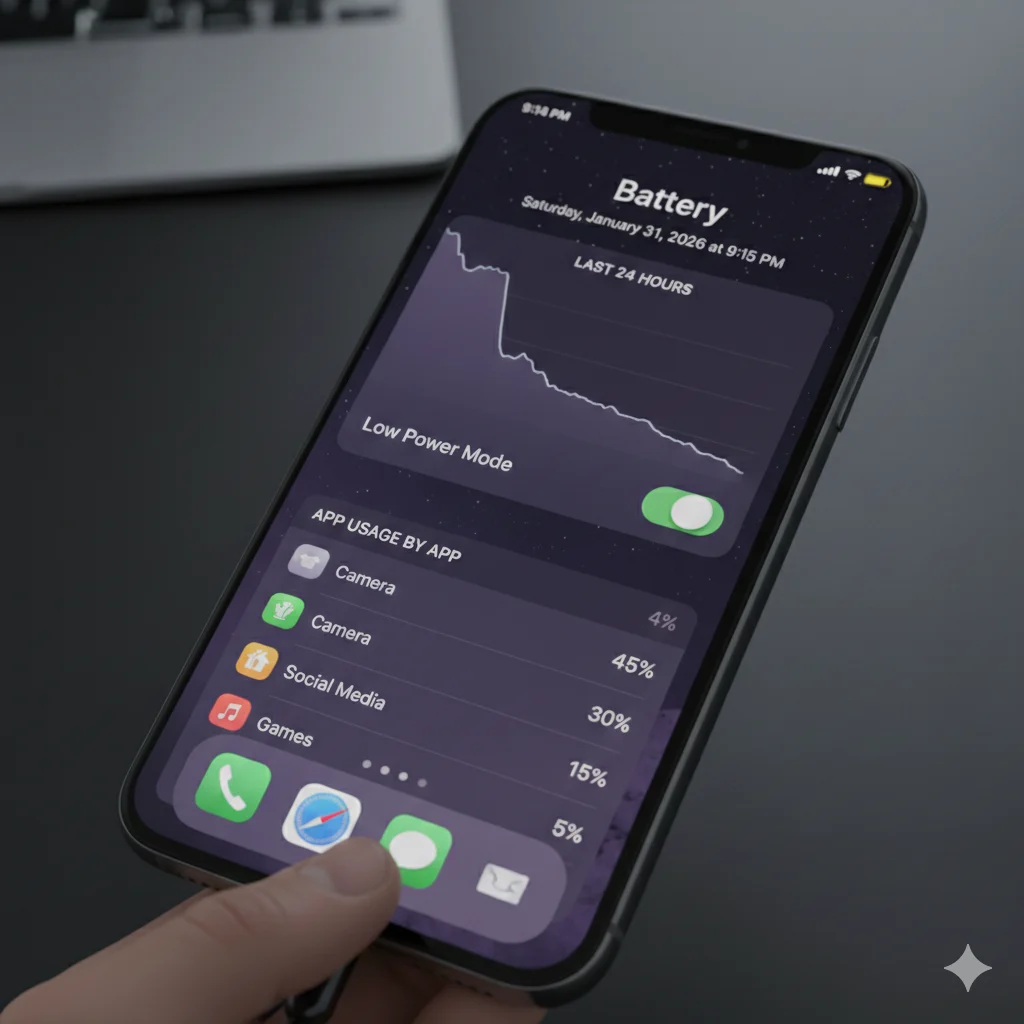
Many apps keep running even after you close them—checking location, syncing data, or sending notifications.
Common battery-draining apps:
- Social media (Instagram, Facebook, Snapchat)
- Navigation apps (Google Maps, Uber)
- Fitness trackers
- Shopping apps with notifications
Proven Fix:
- Check Battery Usage in settings
- Restrict background activity for high-drain apps
- Disable background refresh for apps you don’t need instantly
📌 On Android: Battery → App Battery Usage
📌 On iPhone: Battery → Battery Usage by App
If an app is draining 20–30% daily and you barely use it, that’s your red flag.
3. Poor Network Signals (This One Surprises Most People)
When your phone struggles to find a stable signal—especially on mobile data—it works extra hard to stay connected.
Situations that drain battery fast:
- Weak mobile signal
- Constant switching between 4G and 5G
- Traveling or commuting
- Using mobile data in low-network areas
Proven Fix:
- Turn off 5G if it’s unstable in your area
- Use Wi-Fi whenever possible
- Enable Airplane Mode in very low-signal zones
Real-life example: Your phone searching for signal is like you shouting in a noisy room—it takes more energy than talking normally.
4. Location Services Always Watching You
GPS is helpful, but keeping it always on is a battery killer.
Why it drains:
- Apps constantly checking your location
- Background GPS tracking
- Navigation apps running invisibly
Proven Fix:
- Set location access to “Only while using the app”
- Turn off location for unnecessary apps
- Disable Bluetooth & Wi-Fi scanning when not needed
Your weather app doesn’t need to know your exact location every 10 minutes. City-level access is enough.
5. Push Notifications: Small Alerts, Big Impact
Each notification lights up your screen, vibrates your phone, and triggers background activity.
Battery impact:
- Frequent wake-ups
- Background data usage
- Screen activation
Proven Fix:
- Turn off notifications for non-essential apps
- Disable vibration for notifications
- Use notification summaries instead of instant alerts
Rule of thumb: If an app doesn’t matter after 5 minutes, it doesn’t need instant notifications.
6. Old Battery Health (The Hard Truth)
Lithium-ion batteries degrade over time. It’s not a flaw—it’s chemistry.
Signs of battery aging:
- Battery drops fast below 30%
- Phone shuts down suddenly
- Charging feels slower or inconsistent
Proven Fix:
- Check battery health (iPhone shows it natively)
- Avoid charging beyond 80–85% regularly
- Replace battery if health drops below 80%
A degraded battery is like an old water bottle—it looks fine but leaks fast.
7. Charging Habits That Secretly Hurt Battery Life
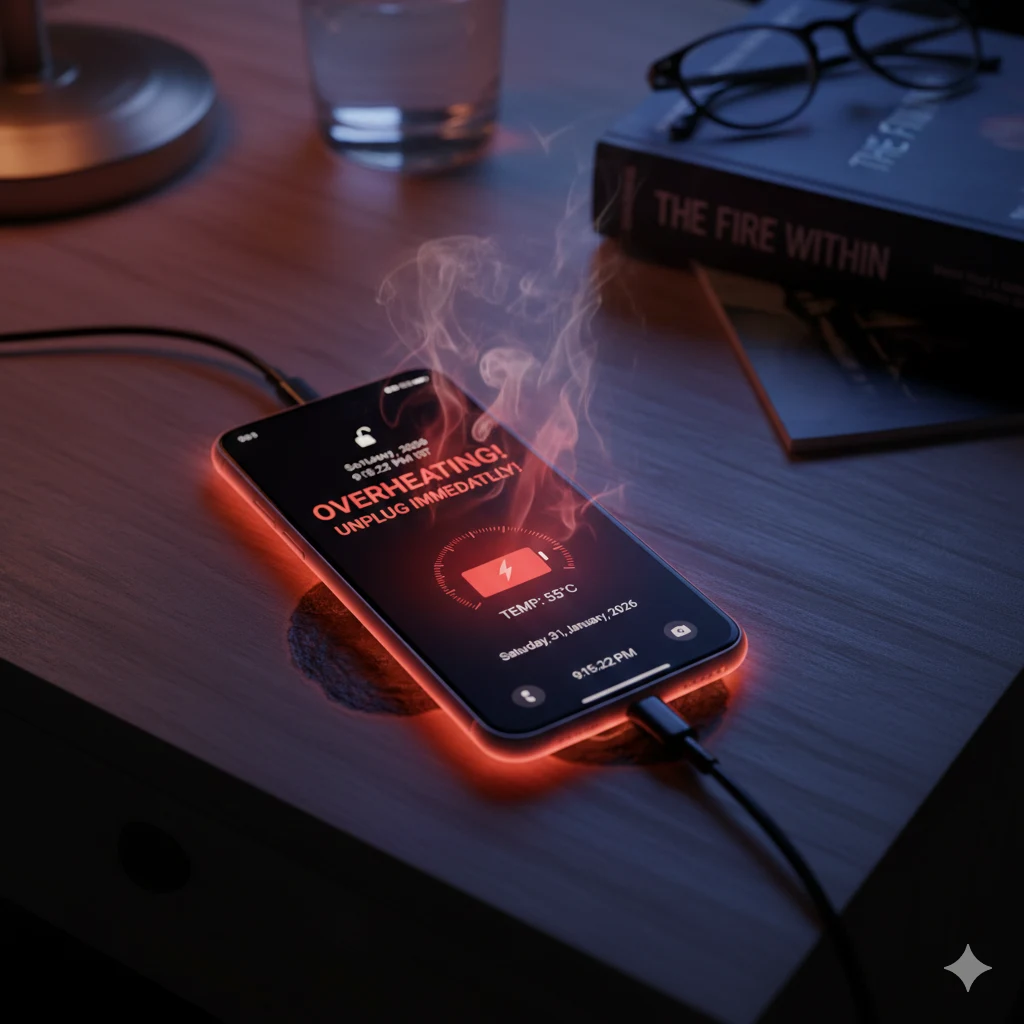
Your daily charging routine plays a huge role in battery drain over time.
Bad habits:
- Charging overnight every day
- Using cheap chargers
- Letting battery hit 0% often
Proven Fix:
- Charge between 20% and 80%
- Use original or certified chargers
- Enable optimized charging features
Modern phones are smart—but they can’t undo years of bad habits overnight.
8. Software Bugs & Outdated Updates
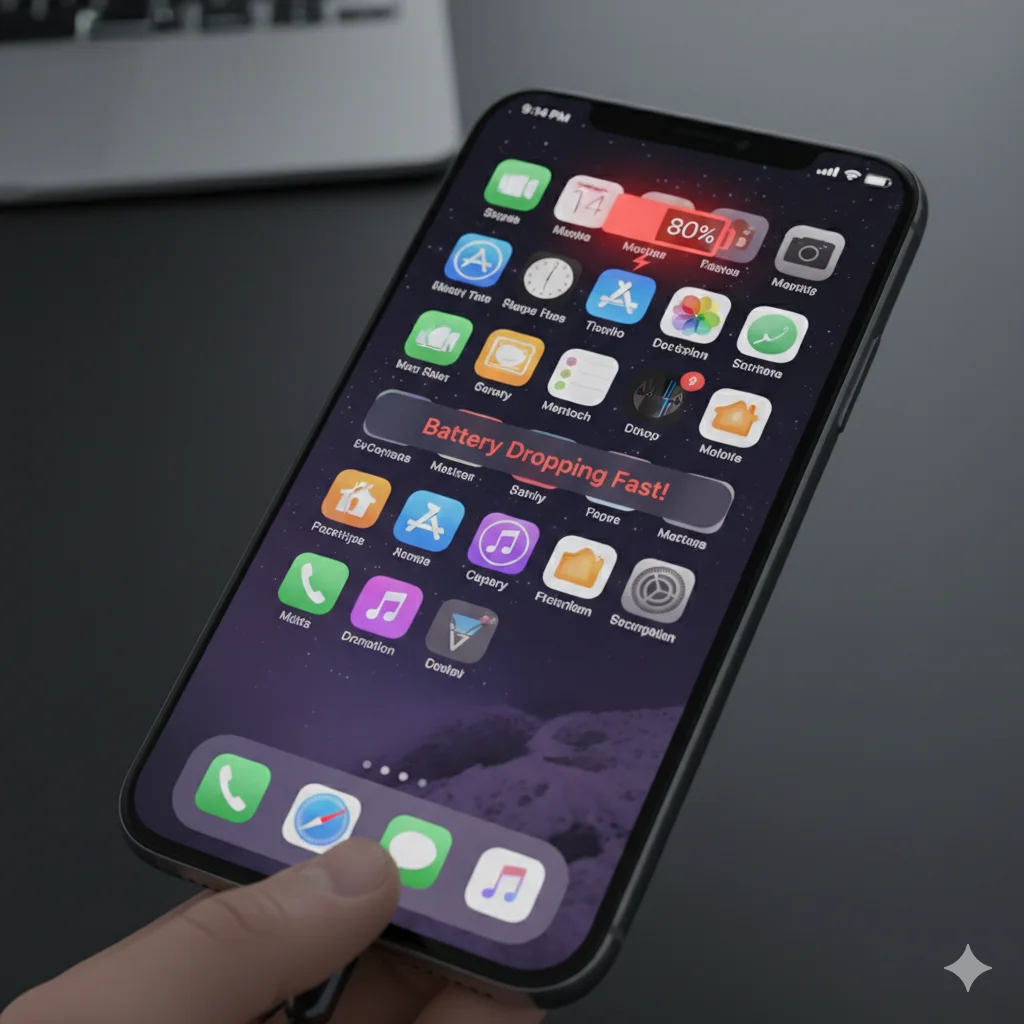
Sometimes, it’s not you—it’s the software.
Battery drain causes:
- Buggy OS updates
- App compatibility issues
- Background services stuck in loops
Proven Fix:
- Update your phone regularly
- Update all apps
- Restart your phone once a week
A simple restart clears stuck processes and refreshes system memory.
9. Extreme Temperatures (Yes, Weather Matters)
Heat and cold both destroy battery efficiency.
Battery hates:
- Direct sunlight
- Hot cars
- Heavy gaming while charging
Proven Fix:
- Avoid charging in hot environments
- Remove phone case while gaming
- Keep phone cool whenever possible
Heat accelerates battery aging faster than almost anything else.
10. Small Tweaks That Make a Big Difference
Here are quick, proven battery-saving tweaks you can apply today:
- Use Dark Mode (especially on AMOLED screens)
- Turn off Always-On Display
- Reduce auto-sync frequency
- Disable unused widgets
- Use battery saver mode when below 30%
Individually, these seem minor. Together, they can add 1–2 extra hours of screen time daily.
Frequently Asked Questions – Phone Battery Drains Fast
Should You Close Apps?
No, not always.
Modern phones manage apps efficiently. Force-closing apps repeatedly can actually waste more battery because reopening them uses extra power.
Only close apps that:
👉Are stuck
👉Are overheating your phone
👉Show unusually high battery usage
Why does my phone battery drain so fast?
Phone batteries drain fast due to high screen brightness, background apps, weak network signals, constant location tracking, excessive notifications, and battery aging. Most of these issues can be fixed through simple settings changes.
How can I stop my phone battery from draining quickly?
Lower screen brightness, restrict background apps, disable unnecessary location access, reduce notifications, use Wi-Fi over mobile data, and follow healthy charging habits to improve battery life.
Is fast battery drain a sign of a bad phone?
Not always. In most cases, fast battery drain is caused by software settings, apps, or usage habits rather than hardware failure.
Does closing apps save battery?
Force-closing apps does not always save battery. Modern phones manage apps efficiently, and reopening apps may consume more power.
The Bottom Line: How to Fix Fast Battery Drain for Good
If your phone battery drains fast, it’s rarely because the phone is “bad.” It’s usually a mix of:
- High screen usage
- Background apps
- Poor network conditions
- Aging battery
- Unoptimized settings
Key Takeaways:
✔ Lower brightness & refresh rate
✔ Restrict background apps
✔ Control location & notifications
✔ Improve charging habits
✔ Keep software updated
Your phone battery is like your energy levels—use it smartly, give it rest, and avoid unnecessary stress.
Final Thoughts
A dying phone battery doesn’t mean you need a new phone right away. In most cases, a few smart tweaks can dramatically improve battery life and make your phone feel new again.
If you found this guide helpful, share it with that friend who’s always hunting for a charger. 🔋😉
Your battery—and theirs—will thank you for reading this article. If you like it, please drop a comment. I usually post articles about phones, gaming phones, best phones, technologies, etc. The article below is one of them
Best Smartphones to Buy in India in 2026 By Budget – A Complete Buyer’s Guide





[…] Review: Reliable and solid, Galaxy M14 5G is perfect for daily use. Large battery ensures a full day plus backup, and the display is bright enough for movies and browsing. It’s a […]